
For cafés, salons & restaurants
Google Review & Instagram NFC cards for your business.
Put one on your counter or table. Guests tap it with their phone and your Google review page or Instagram opens instantly. Printed with your logo.
- Price confirmed before production
- No payment online
- Change the link anytime
- Google Review Card
- Instagram Card
- Menu Card
- Booking Card
- Wi‑Fi Card
Printing a Google Review card for MeGa Café
Real example cards
Designed in your style. Pick them up and have a look.
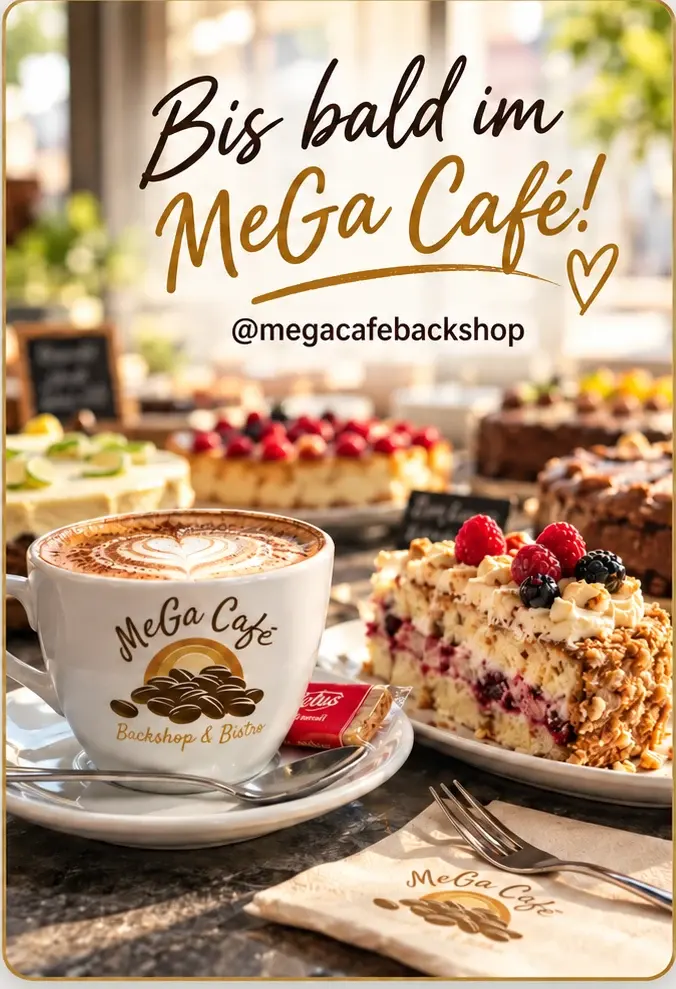 MeGa Café · back
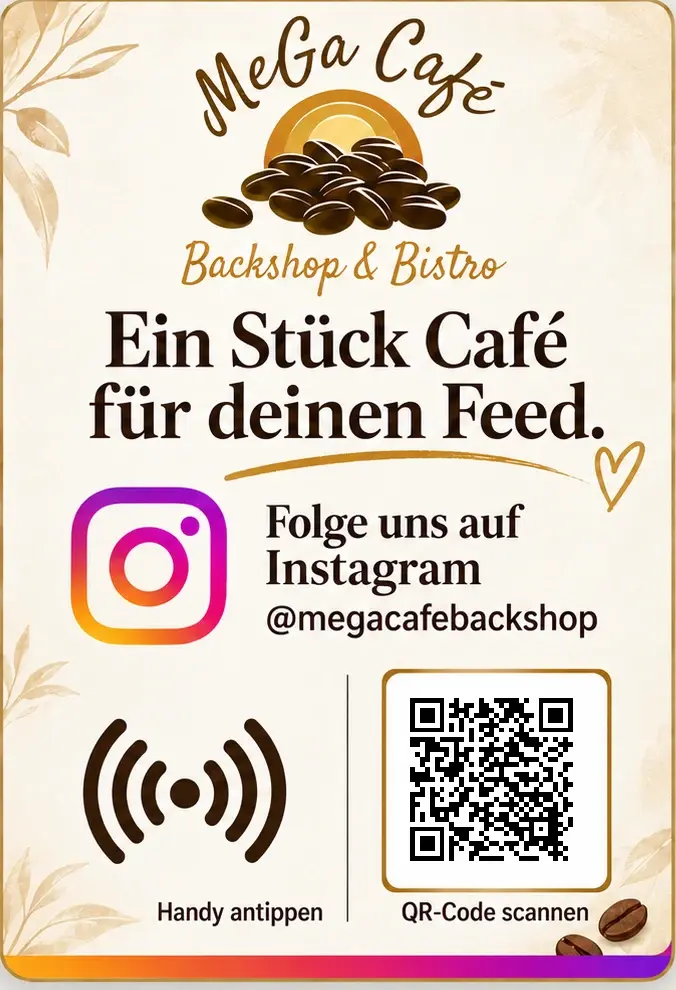 Instagram Card · MeGa Café
How a tap works
Hold the phone to the card. Your page opens. No app needed.
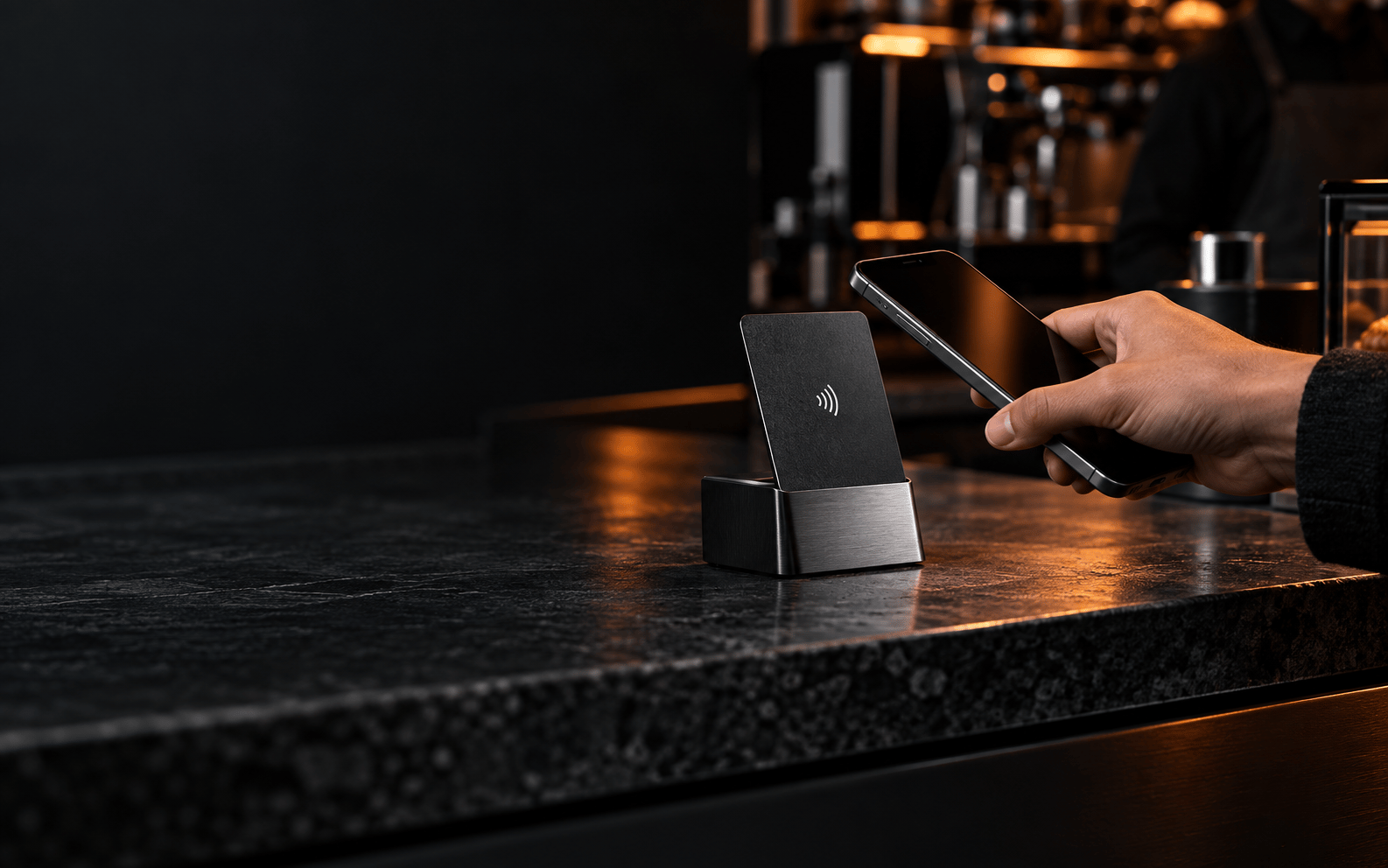
Works with modern iPhone and Android phones. Every card also has a QR code for anyone who prefers to scan.
Is this for you?
Sound familiar?
Guests say “that was lovely!” — then never leave a review.
A card on the table opens your Google review page in one tap.
Nobody can spell your Instagram handle.
They tap and land straight on your profile, ready to follow.
Staff get asked for the menu, the Wi‑Fi or how to book — all day.
Guests tap and help themselves, while your team keeps serving.
You don’t need a new website or app.
TapForge points to pages you already have — your Google profile, Instagram, menu or booking link. We make the cards; you choose where they go.
Built for your business
Catch guests at the moment they’re happiest with you.
Cafés
On the counter, by the till, on every table.
- Follow on Instagram
- Leave a Google review
- Guest Wi‑Fi details
Salons
At reception and every mirror station.
- Book the next appointment
- Leave a Google review
- See your work on Instagram
Restaurants
On tables, in the bill folder, at the door.
- Open the menu
- Reserve a table
- Leave a Google review
Permanent identity, flexible link
Change the link, not the card.
Every card keeps one permanent TapForge address on its chip and QR code. You decide what opens behind it — and you can switch it from your dashboard whenever your business moves on.
/t/K7Q2M- Nowinstagram.com/megacafebackshop
- Last monthg.page/megacafe/review
- At launchmegacafe.de/speisekarte
How ordering works
From quote to first tap.
- 01
Request a quote
Tell us your business, which cards you want and how many. It takes about two minutes.
- 02
Approve artwork & price
We confirm the card format, artwork, quantity and price by email before anything is produced.
- 03
Tap, set, done
Your cards arrive ready. Claim them with the code in the package, choose where they point, change it anytime.
Questions owners ask
Good to know before you order.
What does it cost?
It depends on the card type, artwork and quantity. You get an exact price in your quote before anything is produced — nothing is charged online.
Do my guests need an app?
No. Any NFC-capable phone opens the card with a tap, and the printed QR code works as a fallback for everyone else.
Can I change where the card points?
Yes. Each card has one permanent TapForge address. Switch it from your Google reviews to your menu or booking page in your account — no reprinting.
What can I order?
Ready-to-configure cards, custom cards branded with your logo and colours, and counter displays. Tell us what you need in your request.
What if a card isn’t set up yet?
Guests see a simple “This card is not set up yet” page. Claim the card with the private code from your package insert and choose where it points.
Does a tap count as a review or follow?
No. A tap opens the page you chose — the guest still decides to review, follow or book. TapForge just removes the searching.
Put your first card on the counter.
Tell us your business and how many cards you need. We’ll reply by email to confirm artwork, quantity and price — you only go ahead when you’re happy.
- Price confirmed before production
- No payment online
- Change the link anytime